-150x150h.png)

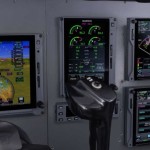


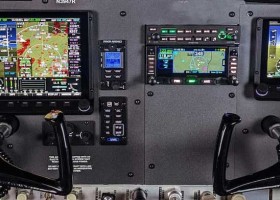


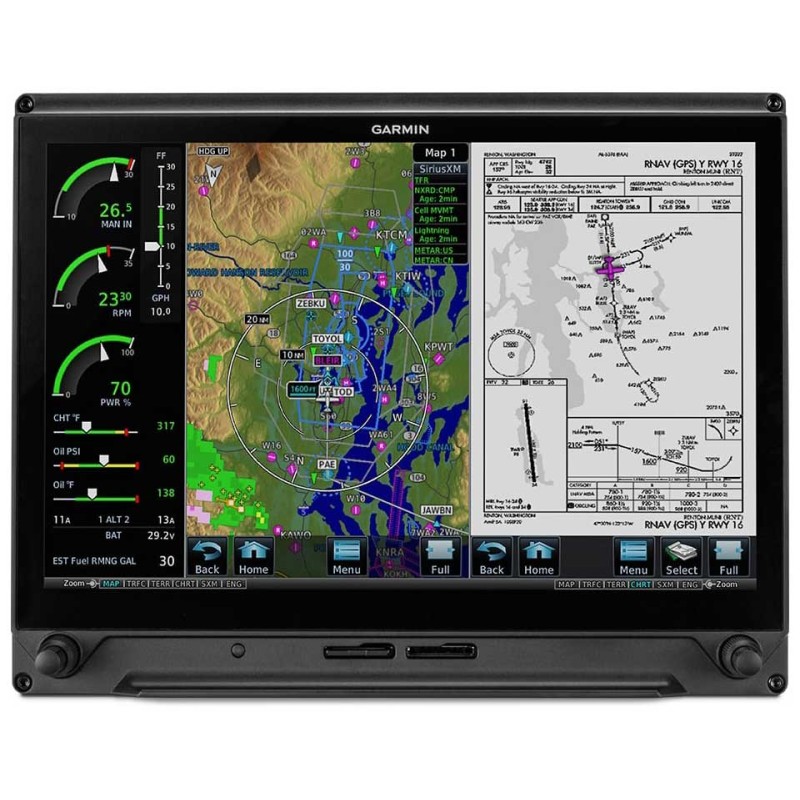
Garmin G500 TXi Primary Flight Display
- Availability: Call to confirm lead time
- Part Number: G500 TXi
- Install Policy: SPA Must Install
Advanced Touchscreen Flight Displays
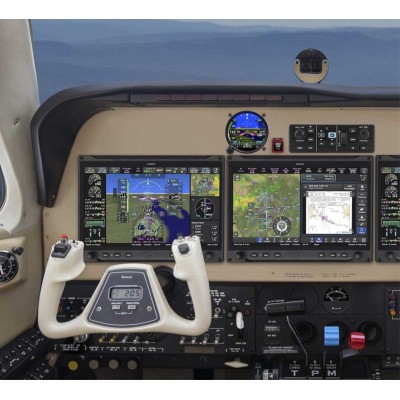
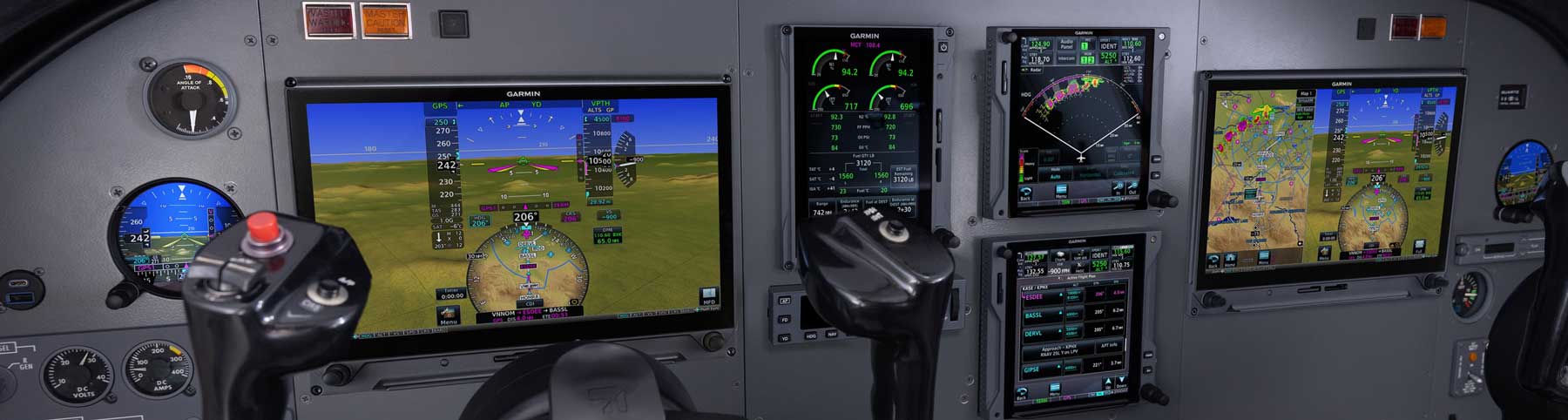
Upgrade your panel with advanced flight displays that put all the high-value flight information you want right in your field of view. TXi™ displays are available in 12.1-inch, 10.6-inch and 7-inch sizes to provide PFD/MFD functionality with industry-leading flexibility that accommodates a wide range of configurations.
- Multiple screen sizes
- highly configurable
- Install from one to four screens
- Bright, sunlight readable screens
- Engine monitoring available
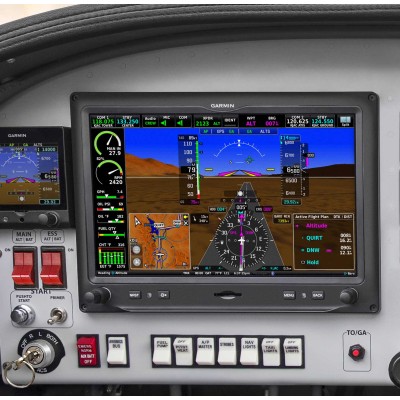
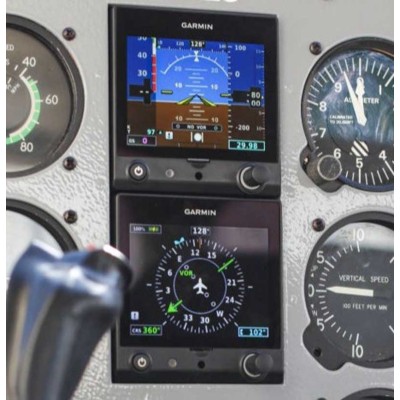
See attitude, airspeed, altitude, heading, vertical speed and more. Plus, navigate with an HSI that accepts VOR/LOC as well as GPS course guidance — including both vertical and lateral course deviation — with your compatible navigator.
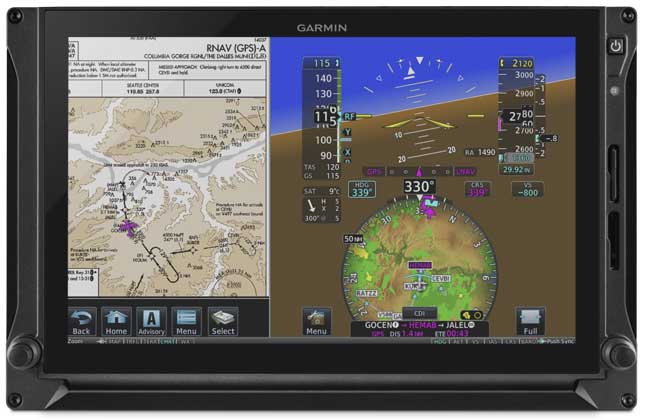
Versatile Displays
With a touch, switch from full-screen PFD to split PFD/MFD to put more valuable flight information directly in your field of view.
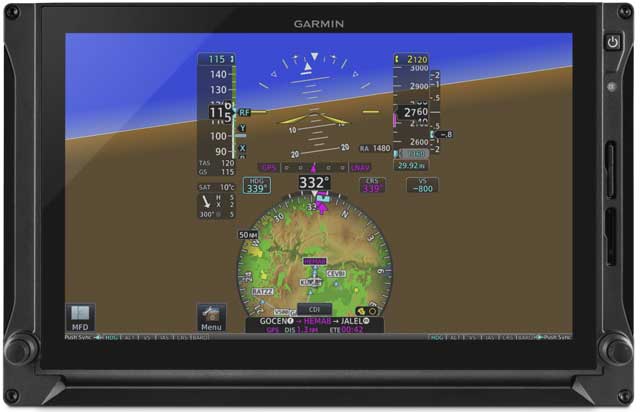
HSI Mapping
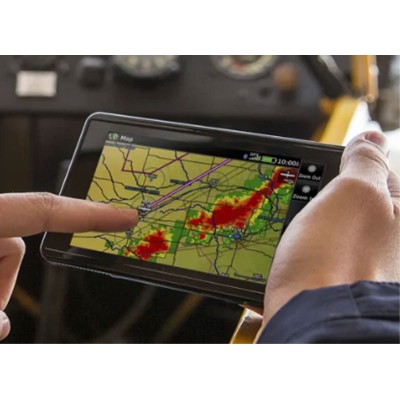
Get an MFD-like perspective map view within the HSI portion of your PFD on the 12.1-inch, 10.6-inch and 7-inch portrait displays. Overlay traffic, terrain, SafeTaxi® airport diagrams and more.
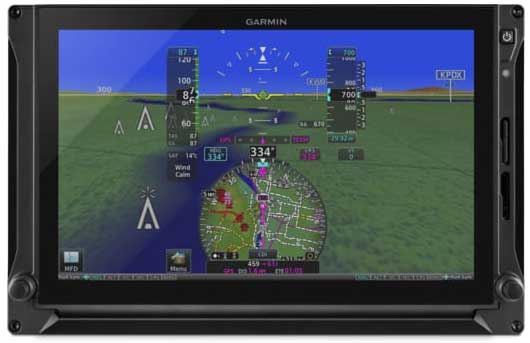
Synthetic Vision Technology
SVT™ synthetic vision technology enhances your situational awareness in all phases of flight, with 3D depictions of terrain, obstacles and airports.
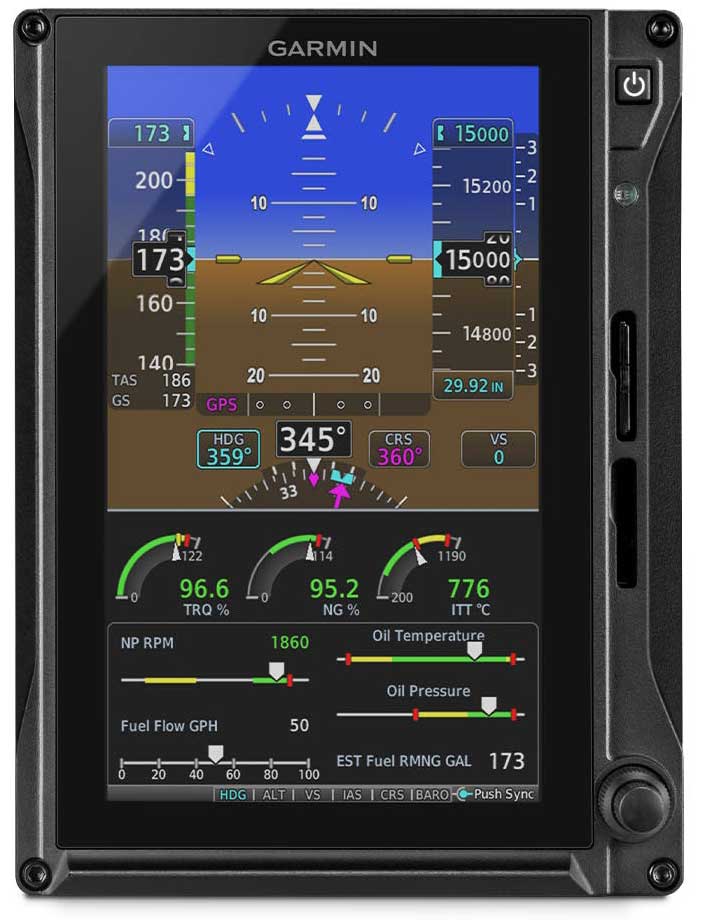
Reversionary Mode
In the unlikely event of a display failure, reversionary mode enables the remaining flight displays, in multiple display installations, to present all essential flight information — including engine indication system (EIS) data when installed.
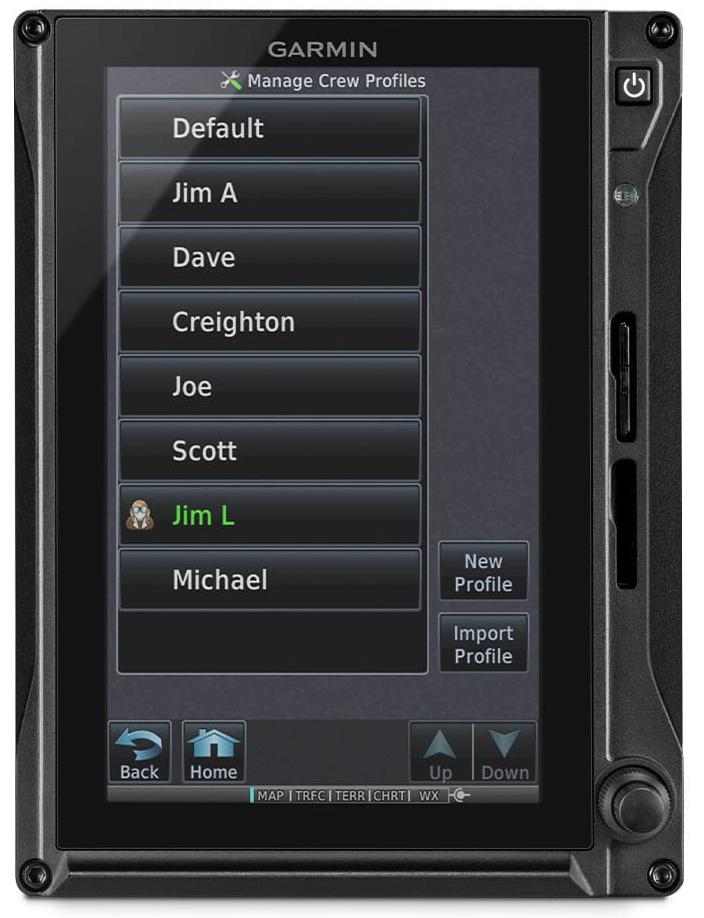
Pilot Profiles
Under your individual profile, create custom pilot profile settings for backlighting, map settings and more — so you can easily restore your system preferences prior to each flight.
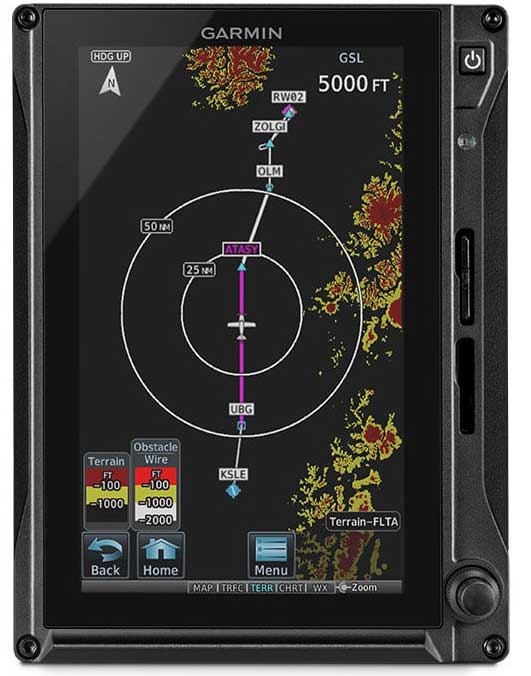
Terrain Alerting
A built-in database depicts terrain and obstacles with color-coded 2D displays, while visual and audible alerts indicate when potential terrain conflicts loom ahead.