-150x150h.png)






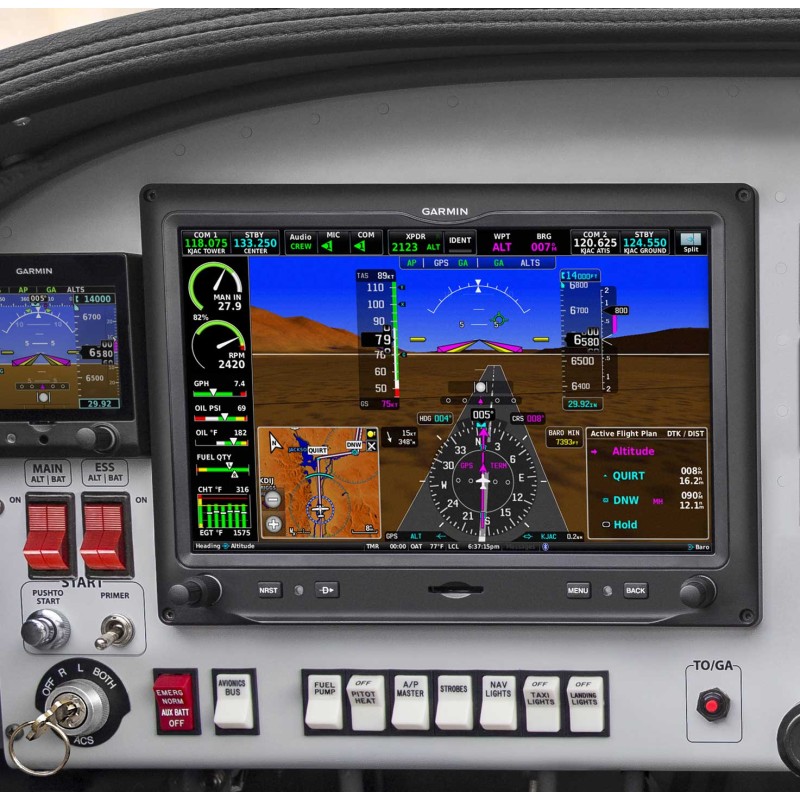
Garmin G3X Primary Flight Display
- Availability: Lead Time: 3-5 Days
- Part Number: G3X
- Manufacturer's P/N: Dealer Installation Recommended
EXCEPTIONAL FLIGHT DISPLAYS FOR YOUR PISTON SINGLE
Upgrade from legacy mechanical instruments to a modern touchscreen glass cockpit with solutions for PFD, MFD and optional engine indication system (EIS) capabilities.
Touch Screen
Install advanced 10.6” and 7” touchscreen displays with PFD/MFD functionality.
Engine Monitor
Monitor engine performance with optional EIS capabilities.
Certified
Certified for installation in hundreds of single-engine piston aircraft.
Synthetic Vision
See terrain, obstacles, airports and more with standard SVX™ synthetic vision.
Autopilot
Pair with your GFC™ 500 autopilot and select navigators to fly fully coupled approaches.
Connected
Wirelessly transfer flight plans and more by using built-in Connext® technology.
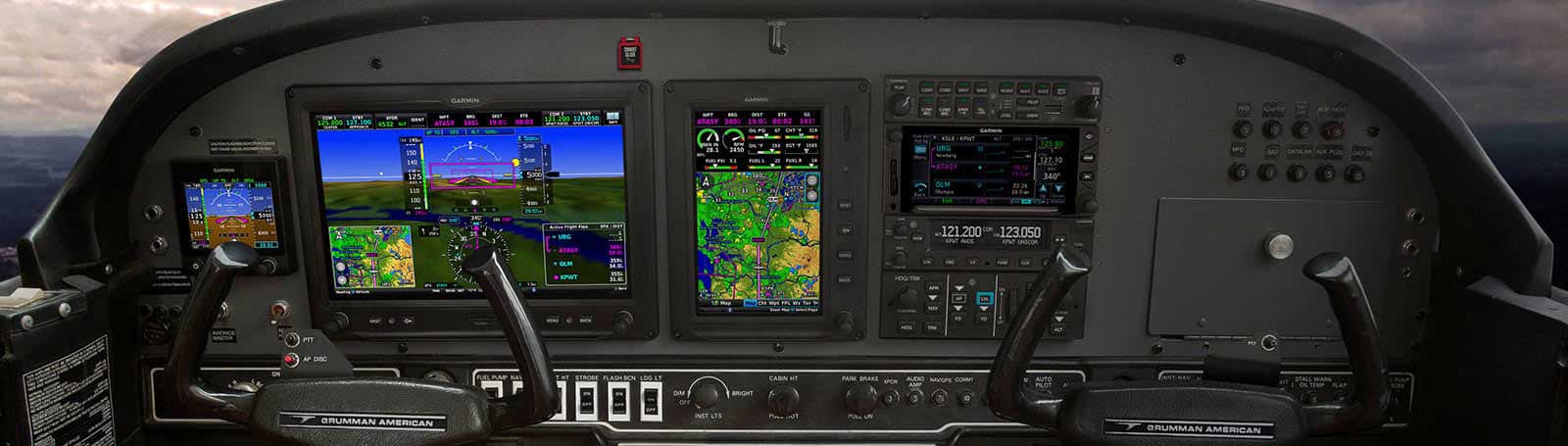
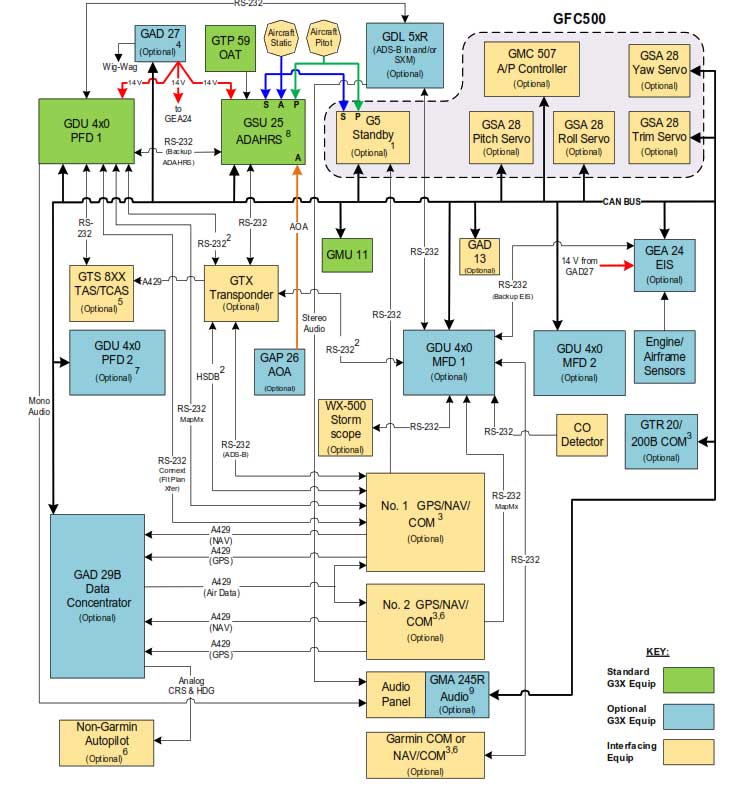
The G3X is a versatile and adaptable system comprising of Displays, Remote Sensors, Controllers, transceivers and Data Acquisition Units. Correctly configuring this system is critical to acheiving the result you want in your airframe. Don't just order components on-line and hope it does what you want it to do. Scroll down, get inspired about what the G3X can do, but then come in and see us or give us a call. We can tailor a system to you and your cockpit.

Easy To Read Screens
These bright, high-resolution, large-format LCD displays are easy to read and easy to use — so you have a whole new perspective on situational awareness.

Options
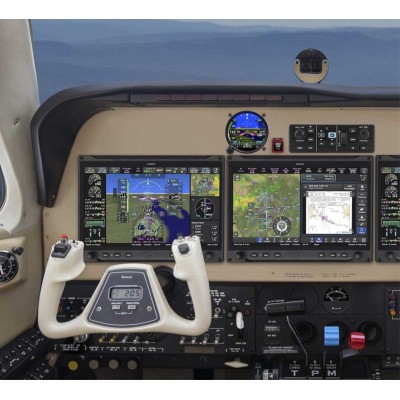
The 10.6 inch display can be set up for either PFD, MFD or PFD/MFD functionality with an EIS strip. A single 7 inch display can accommodate either PFD and MFD functionality or MFD and EIS windows (Limitations apply). Pair up to three of the 10.6 inch or 7 inch portrait format displays1 — or install one now, and scale up your panel as your needs change.
Touch and Knob Control
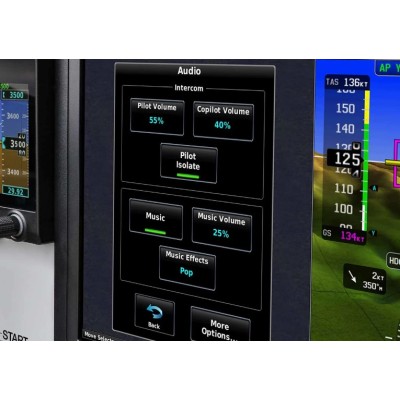
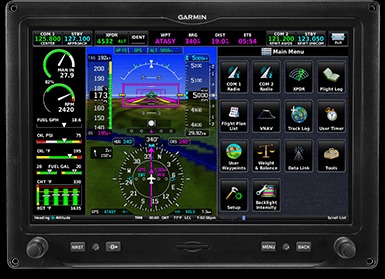
Garmin's intuitive user interface allows you to access display functions with easy touchscreen inputs — even while wearing gloves — or use the concentric knobs if that’s more your style.

Direct To
Dedicated buttons on each display’s bezel allow you to quickly enter a direct course to an airport — or select from a menu of nearest airports or waypoints.
Awareness!
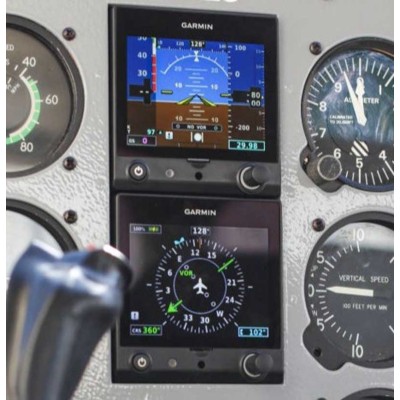
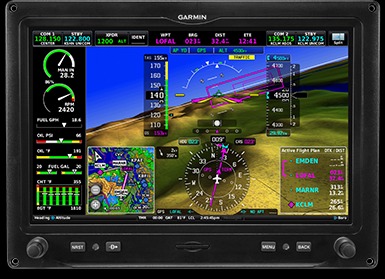
See attitude, airspeed, altitude, heading, vertical speed and more. SVX synthetic vision technology enhances situational awareness. Easily visualize your flight path, including en route legs, flight track, course intercepts and more, with our pathway boxes.
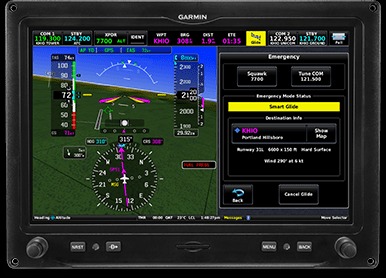
Smart Glide™
When paired with the GTN™ Xi series navigator, G3X Touch supports Smart Glide engine-out navigation functionality. Once activated, Smart Glide recommends a nearby airport and creates a Direct-to route so you can land.
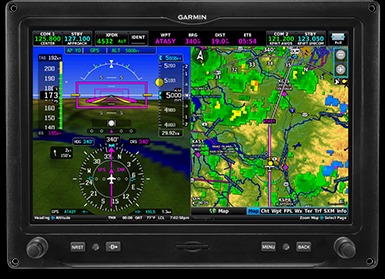
Split Screen
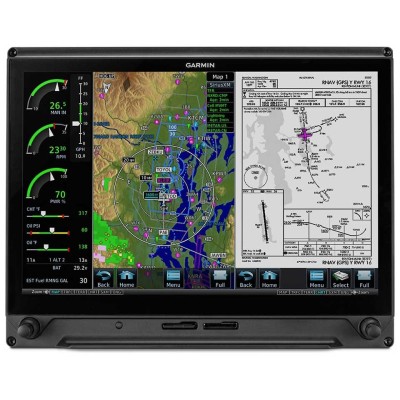
Switch from full-screen PFD to split PFD/MFD with a touch — to put more valuable flight information directly in your field of view.

Your Panel - Your Way
Dozens of display configuration options allow you to set up the panel the way you like it (Limitations apply)
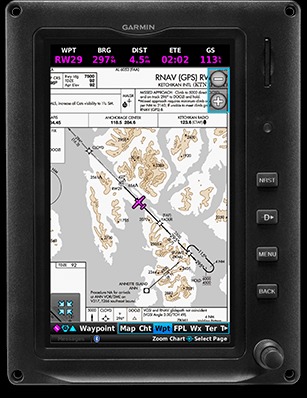
Charts
Garmin's standard FliteCharts® procedure charts or optional Jeppesen® style ChartView™ plates — available with a subscription — provide georeferenced approaches and terminal procedures. VFR charts are now avialble for New Zealand.

Terrain
A built-in database depicts terrain and obstacles with color-coded 2D or profile displays — or both — while visual and audible alerts indicate when potential terrain conflicts loom ahead.
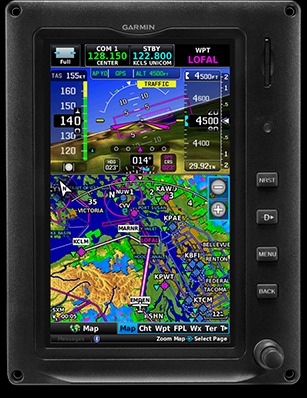
Interactive Map
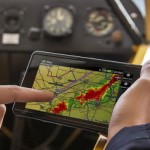
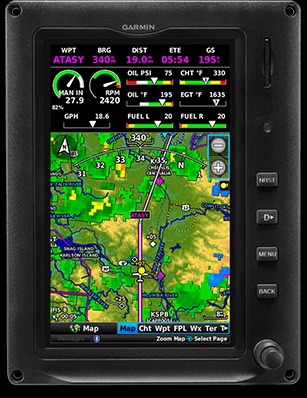
Touch anywhere on the map, and, using your current position, the display shows the distance, bearing and time to that location on the map. Easily pan across the moving map by dragging your finger across the screen, or pinch to zoom.
Traffic
G3X Touch can display ADS-B “In” traffic information when connected with a GNX™ 375 navigator, GTX™ 345 transponder or GDL® 50R or GDL 52R receiver (each sold separately). Enjoy Garmin's proprietary TargetTrend™ and TerminalTraffic™ technologies to more intuitively monitor ADS-B traffic.
EIS System
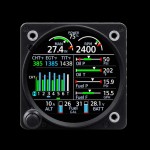
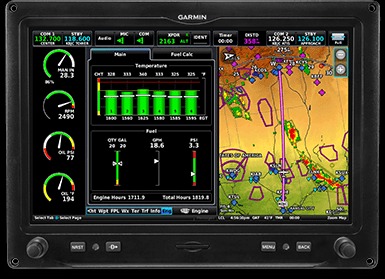
Display primary engine indications with the addition of a GEA™ 24 module and appropriate sensors to show various engine, fuel and electrical gauges with easy-to-interpret color bands. Engine sensor kits are available for most popular Lycoming or Continental 4- to 6-cylinder engines.
Lean Assist
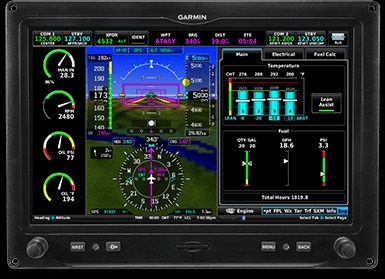
Optimize fuel economy while maintaining high efficiency and performance of your engine with lean assist mode (when using optional GEA 24).
Data Logging
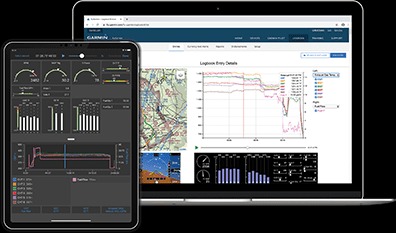
Download engine data to an SD™ card in the display, or wirelessly share to the Garmin Pilot™ app on your compatible smart device, and later upload it to the flyGarmin.com® website for analysis by your maintenance shop’s service team.