-150x150h.png)

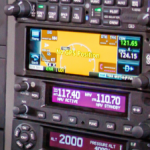
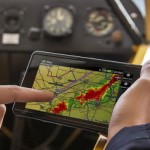




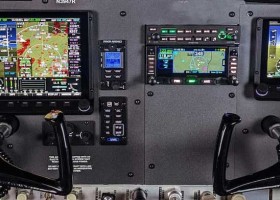


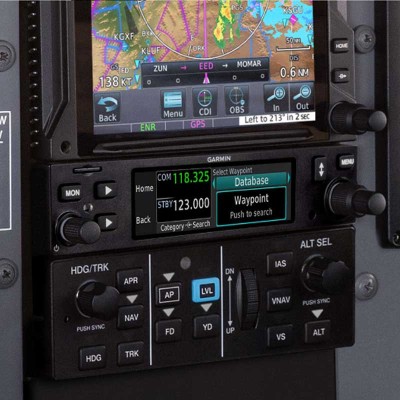
Garmin GTN Xi Series Navigators (GTN625 Xi, GTN635 Xi, GTN650 Xi, GTN725 Xi and GTN750 Xi)
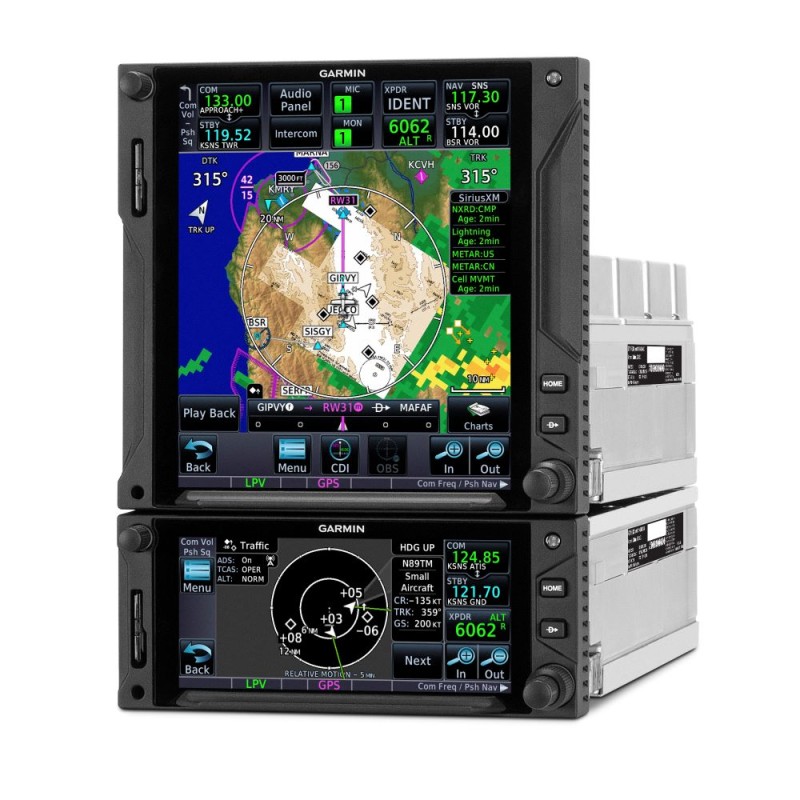
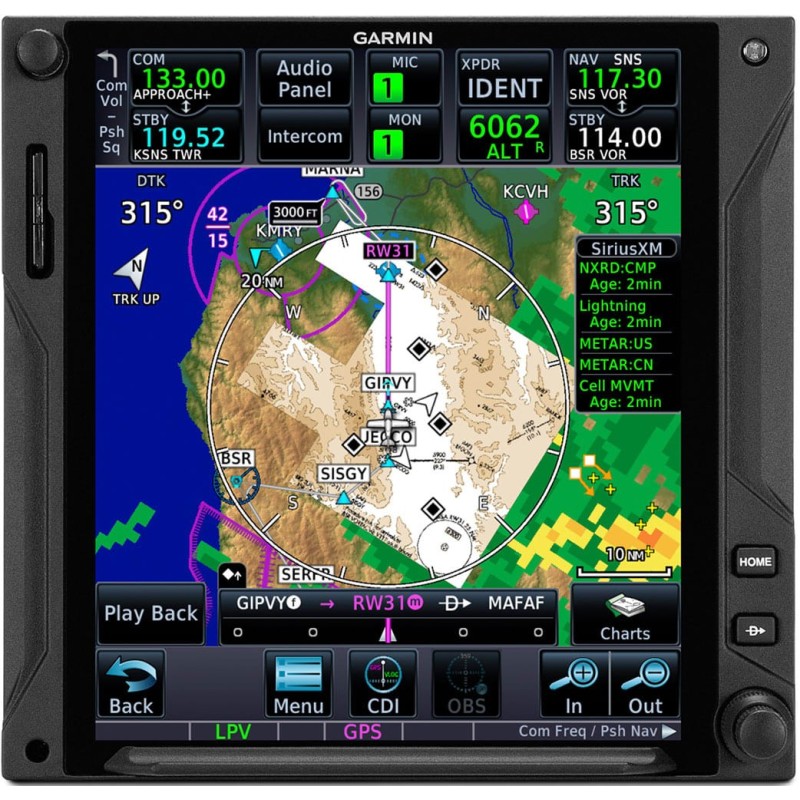
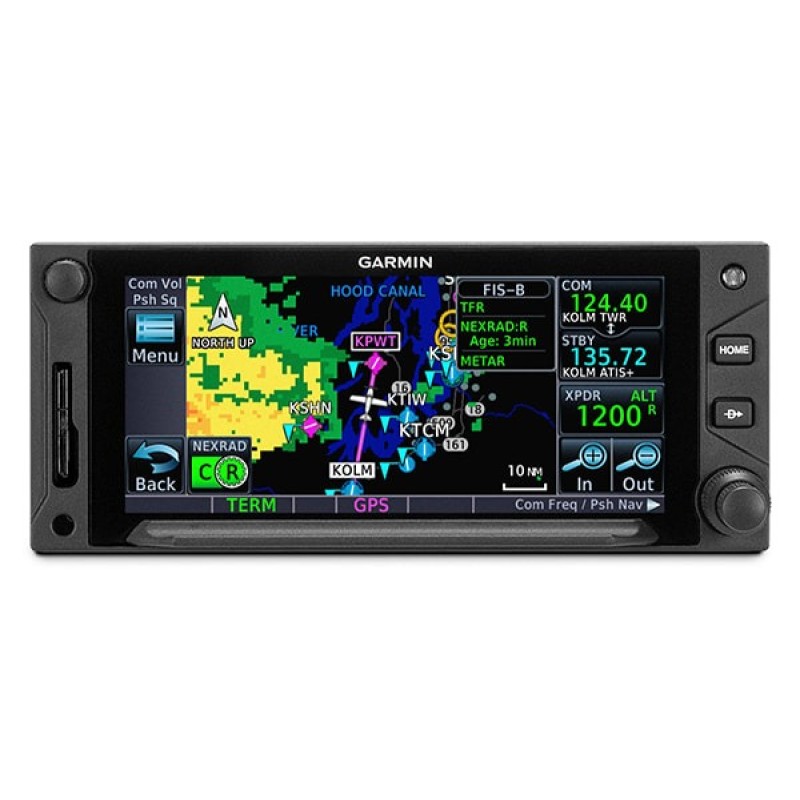
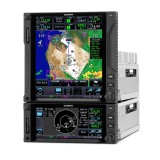
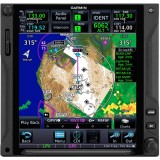
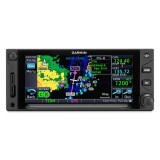
- Availability: Call to confirm lead time
- Part Number: GTN Xi
- Install Policy: SPA Must Install
TAP INTO A NEW GENERATION OF FASTER, SMARTER AVIONICS
With more pixels, more processing power, more speed and performance, our GTN Xi system brings exciting new growth capabilities to the industry’s premier GPS/Nav/Comm/MFD platform.
- Visualize your entire flight plan, including holds and approaches on a large touch display.
- Faster is better. High-speed processors cut boot-up time by 50% over earlier GTN models.
- Fly the approaches you want — from visual glidepaths to LPV, RNAV, ILS and more.
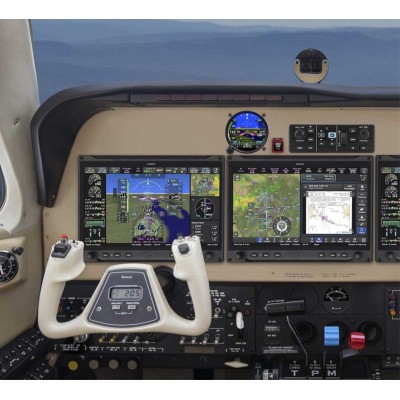
- It’s interface-friendly with a wide range of existing avionics, autopilots and flight displays.
- Wirelessly load flight plans and database updates with an optional Connext® link.
- Upgrade? New GTN Xi series offers easy slide-in upgrade for existing GTN avionics.
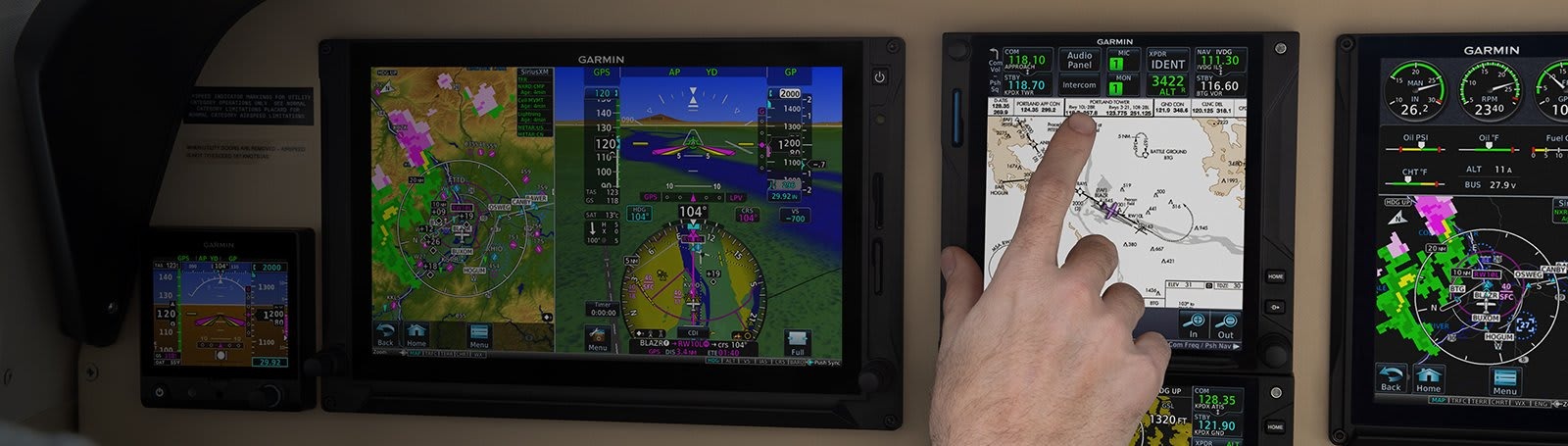
Screen size and functionality to suit your aircraft and budget
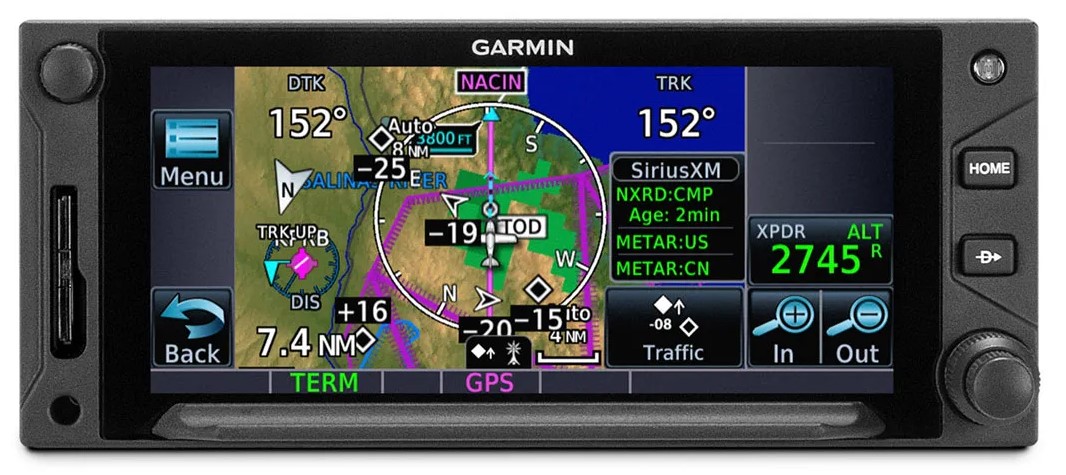
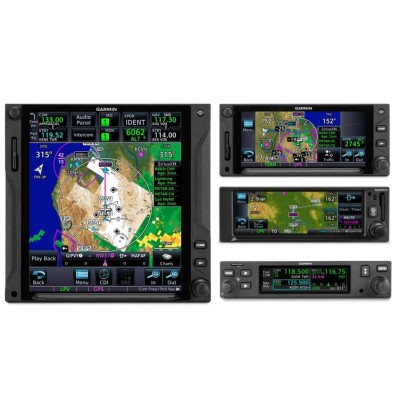
GTN625 Xi GPS/MFD
Perfect if you already have commms and VOR navs installed
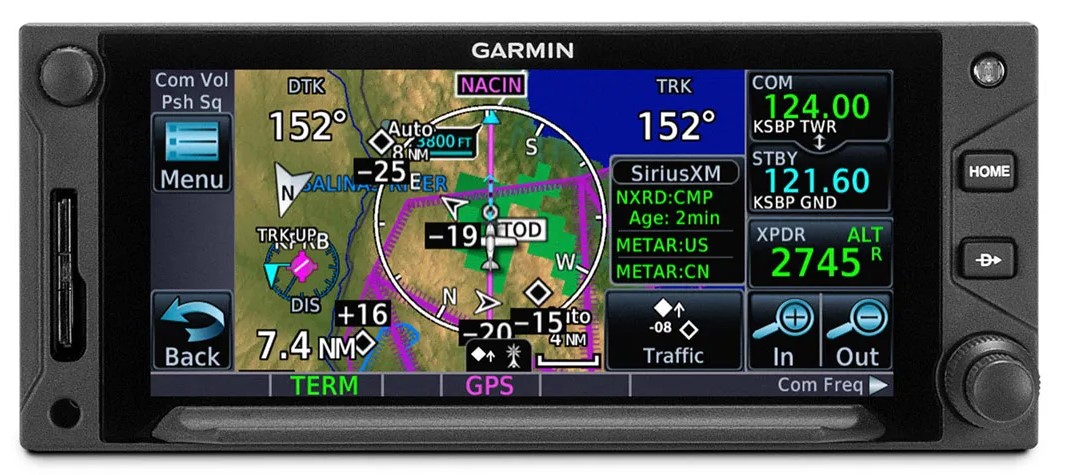
GTN635 Xi GPS/COMM/MFD
A good choice for VFR aircraft and helicopters that don't need a VOR
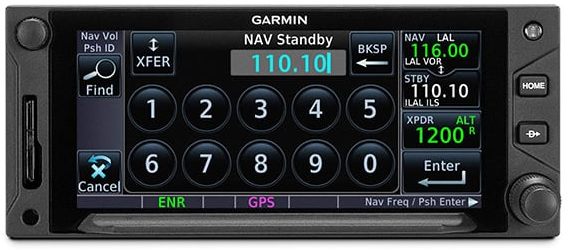
GTN650 Xi GPS/COMM/NAV/MFD
The 650 variant adds VOR/LOC/ILS to the GPS and COMM
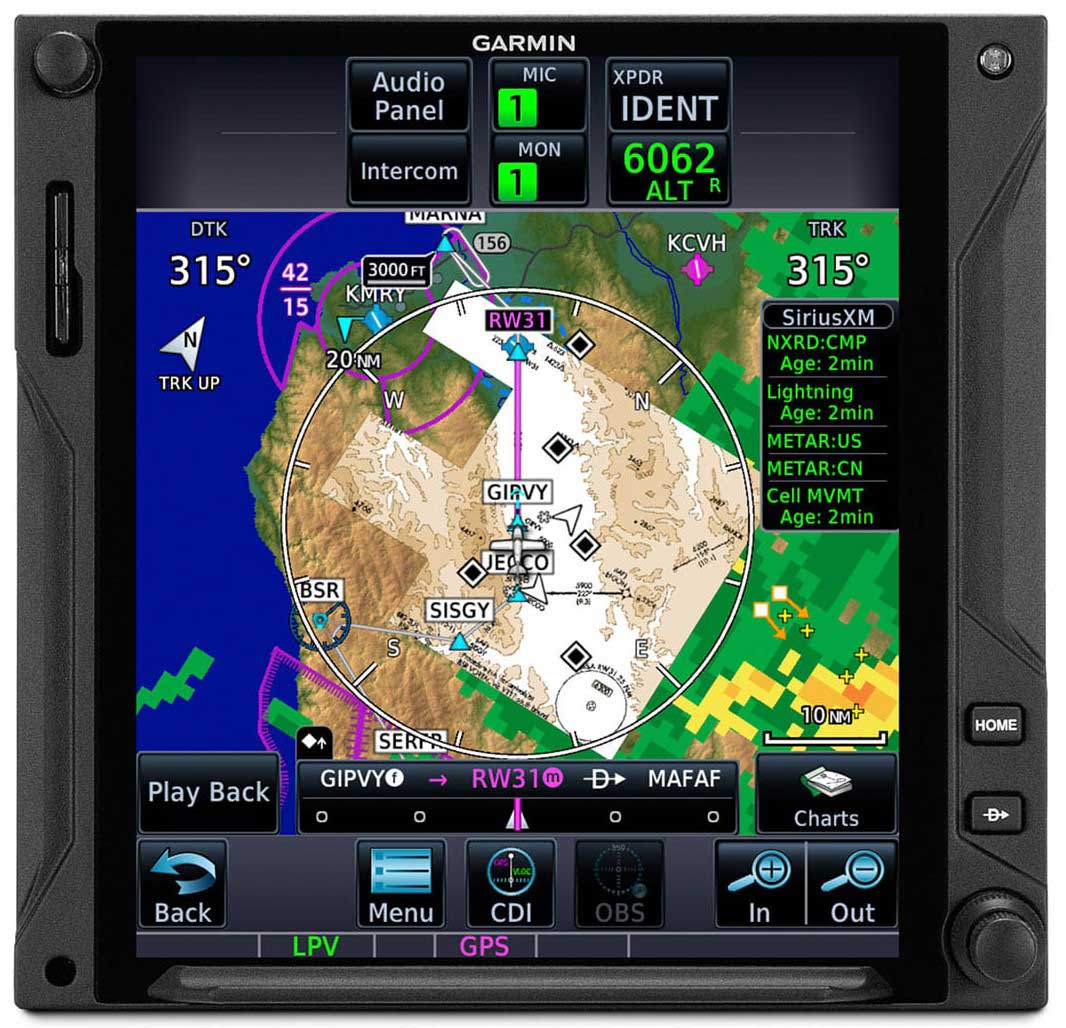
GTN725 Xi GPS/MFD
This version gives you a massive MFD screen with built in GPS
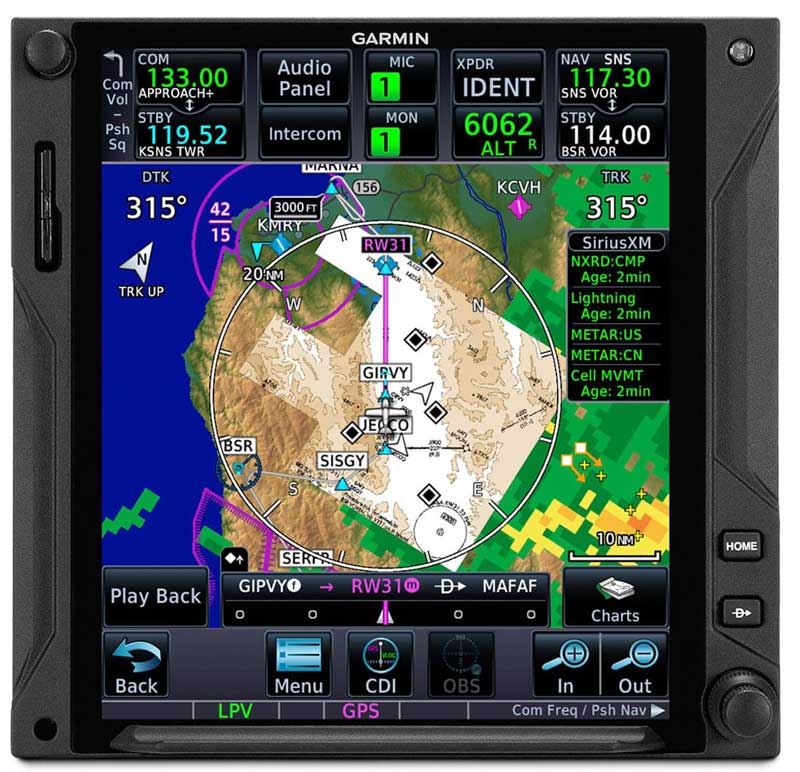
GTN750 Xi GPS/COMM/NAV/MFD
Big screen with all the features
GTN Xi Series Feature Cross Reference.
| Model | Screen Size | Built In Functions | Remote Box Control and Display | ||||
| GPS | COMM | VOR/LOC/ILS | GTX | GMA | GWX | ||
| GTN625 Xi | 4.9" 834x370px | √ | √ | ||||
| GTN635 Xi | 4.9" 834x370px | √ | √ | √ | |||
| GTN650 Xi | 4.9" 834x370px | √ | √ | √ | √ | ||
| GTN725 Xi | 6.9" 834x986px | √ | √ | √ | √ | ||
| GTN750 Xi | 6.9" 834x986px | √ | √ | √ | √ | √ | √ |
GTX = Garmin's GTX series ADS-B Transponders. GMA = Garmin's GMA35c Remote Audio Panel. GWX = Garmin's GWX Series Weather Radars.
This is not a comprehensive list, it addresses only the interface and functionality questions that we get asked regularly. Call us to discuss your aircraft and requirements.
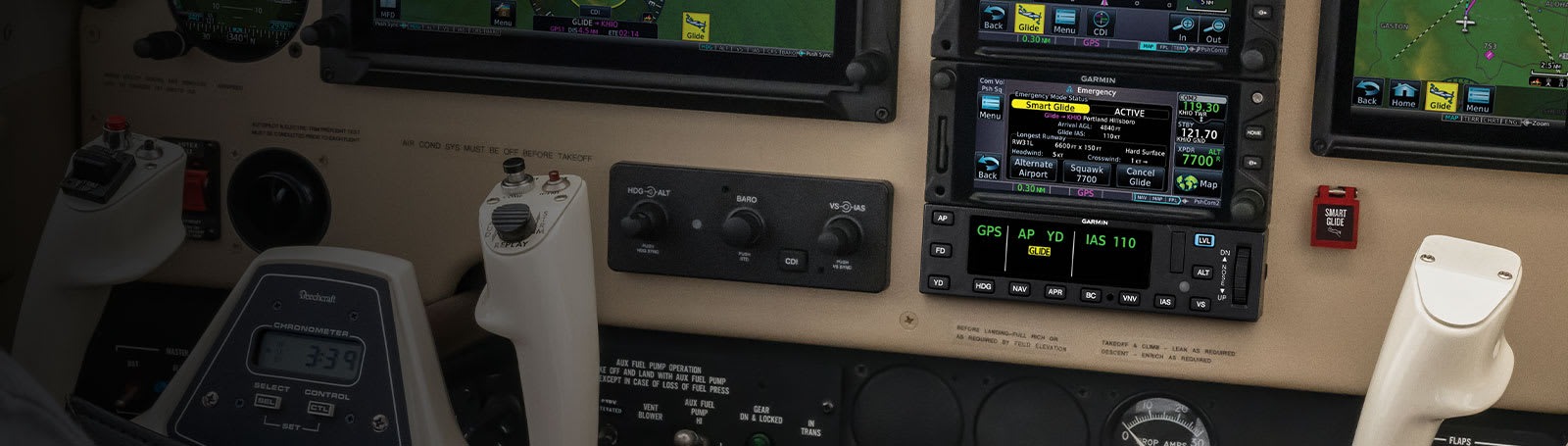
SMART GLIDE.
ENGINE-OUT HELP
In the case of an engine power loss situation, GTN Xi offers Smart Glide technology to help reduce your workload — so you can focus more attention on other tasks during the emergency.
RECOMMENDS AN AIRPORT
Considering the aircraft’s estimated glide range (including terrain and obstacles), the system recommends a suitable airport for landing and offers a list of alternatives, or it advises if no airport is estimated to be within glide range.
EMERGENCY INFORMATION
Smart Glide provides information for the selected airport and loads the airport CTAF frequency into the GTN Xi standby position while providing a shortcut to enter an emergency code in a compatible transponder.
EASY ACTIVATION
Smart Glide requires a compatible flight display to be paired with GTN Xi. The Smart Glide system can be activated with the press of an optional dedicated panel button or by a long press of the Direct-to button.
DIRECT-TO ROUTING
If an airport is available, it creates a Direct-to route to the selected airport. And if you’re equipped with a compatible Garmin autopilot, Smart Glide will automatically engage the autopilot in IAS mode at best glide speed — using the GPS guidance to fly the aircraft near the selected airport.
LANDING
Once the aircraft is near the airport, the pilot resumes control and prepares the aircraft for arrival — for example, bleeding off altitude and making the final approach to the selected runway — then lands the aircraft.
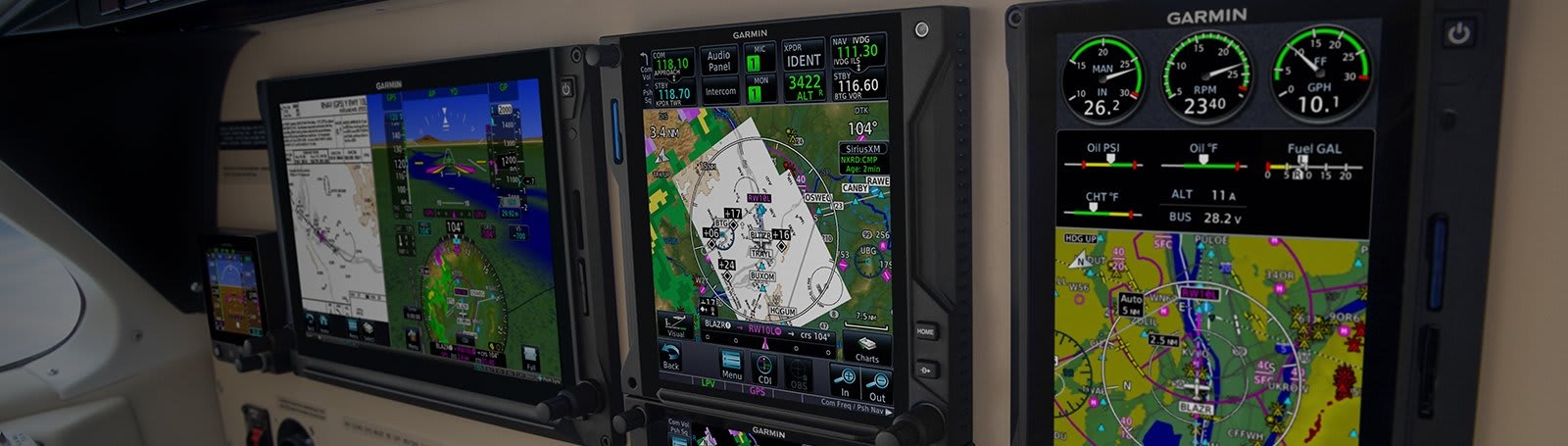
SUPERIOR USER INTERFACE.
DO-IT-ALL TOUCHSCREEN
Intuitive touchscreen interface provides quick access to navigation, radio tuning, multifunction display features and more.
LIGHTNING-FAST RESPONSE
Powerful dual-core processors boost the GTN Xi series graphical display capabilities — with faster zooming, panning and map rendering on the display.
HIGH-RESOLUTION DISPLAY
With almost double the pixel count of its predecessor, the GTN Xi series features wider viewing angles and one of the highest-resolution displays ever offered in this class of avionics.
MULTIFUNCTION DISPLAY
Supporting multiple inputs, the 4.9” display can put moving maps, terrain, traffic2, weather2, airport diagrams and more at your fingertips.
EASY DATA ENTRY
Use the on-screen QWERTY keyboard or traditional concentric knobs to enter frequencies, waypoint identifiers, routings and more.
REMOTE RADIO CONTROL
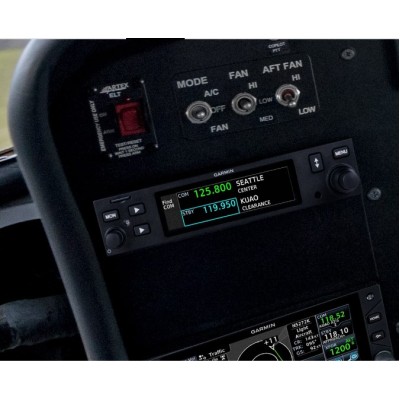
In dual GTN Xi installations, remote tuning capability lets you tune frequencies on both units from either navigator. A Radios page displays all selectable Comm and Nav frequencies (active and standby) plus their volume levels.
TELL IT, TUNE IT
Available Telligence™ voice control technology helps reduce pilot workload by responding to hundreds of spoken commands with the press of a button on the yoke (Requires a Garmin GMA350 or GMA35 series audio panel)
PINCH, SWIPE GESTURES
A quick finger swipe lets you pan across the map display. Or use a smartphone-like pinch-to-zoom motion to scale up or down on any map, traffic or terrain page.
QUICK PAGE ACCESS VIA KNOBS
The unit’s dual concentric knob controls now offer quick access to select pages. The outer knob can cycle through as many as 9 custom-assigned pages, with the inner knob supporting functions such as zooming or scrolling on the page displayed.
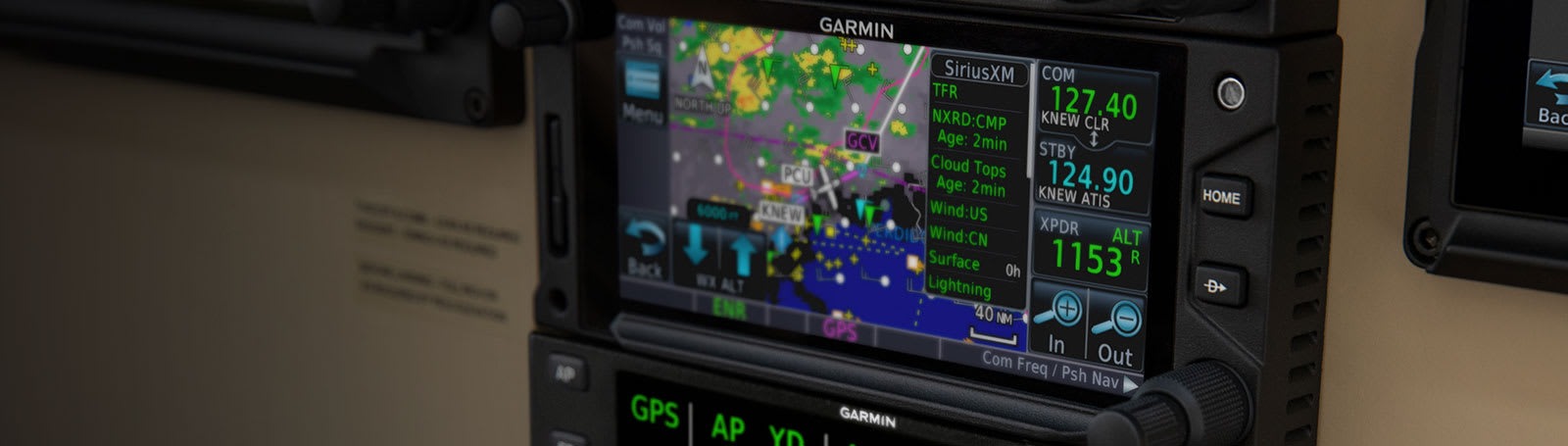
ADDED CAPABILITY
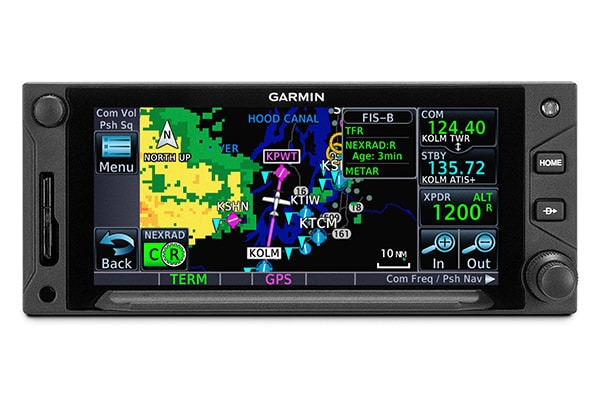
TRAFFIC
With available Garmin ADS-B “In” equipage solutions, GTN 650Xi can display up to 60 ADS-B traffic targets. For more advanced traffic surveillance capability, GTN Xi can integrate with select TAS or TCAS/ACAS systems, including the GTS™ family of ADS-B enhanced products.
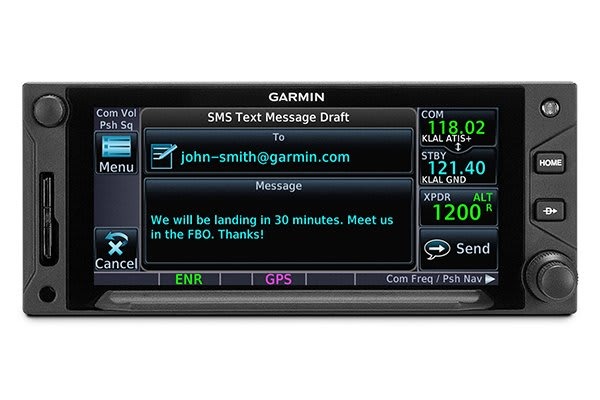
WORLDWIDE COMMUNICATIONS
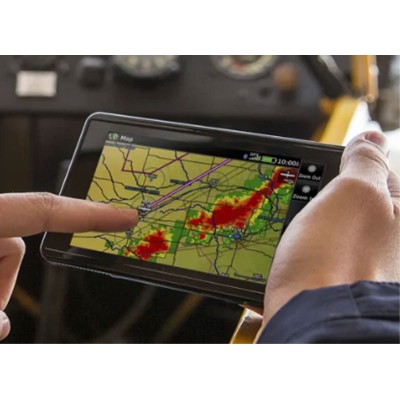
Want global weather, radar imagery and two-way text/voice communications from the air? Connect your GTN Xi with an optional GSR 56 satellite link (subscription required).
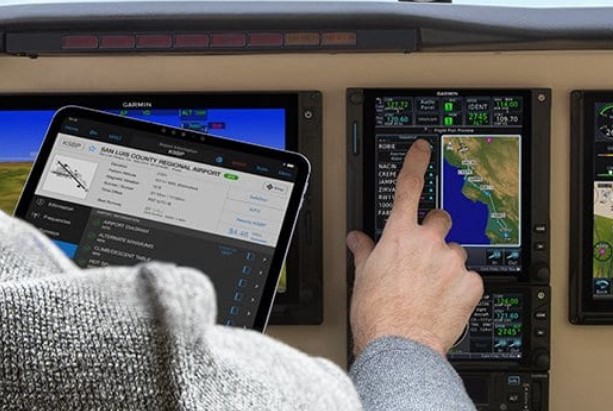
CONNECTED COCKPIT
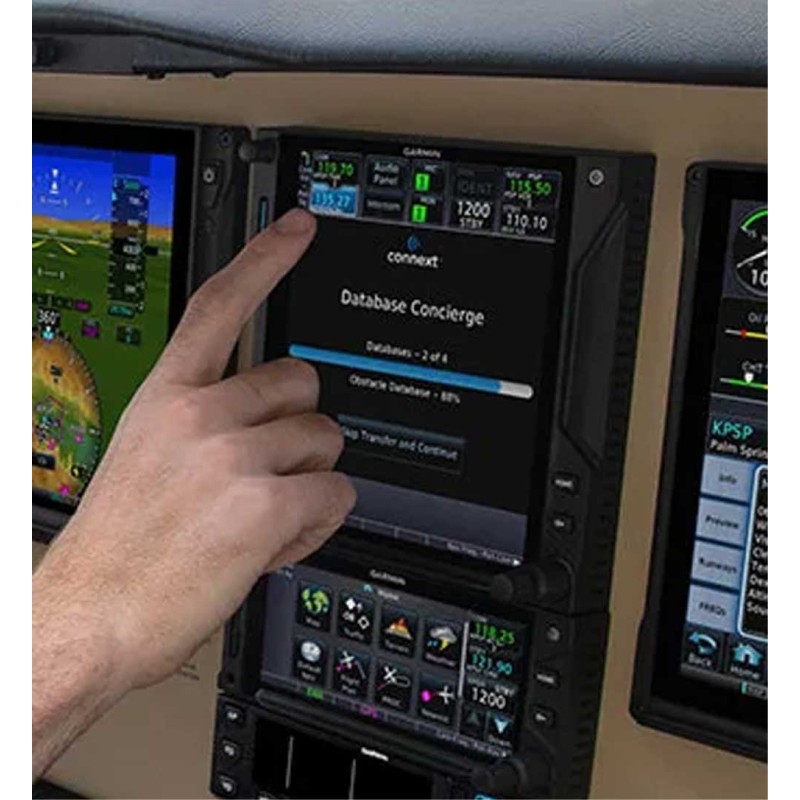
Save time by creating your flight plan on your mobile device at home, then use Connext (Using optional GDL60) to wirelessly upload the data into your GTN Xi during preflight at the airport. A Flight Stream 510 gateway adds Database Concierge to your GTN Xi navigator. Upload databases from your tablet in minutes — then let automatic sync with your avionics do the rest.
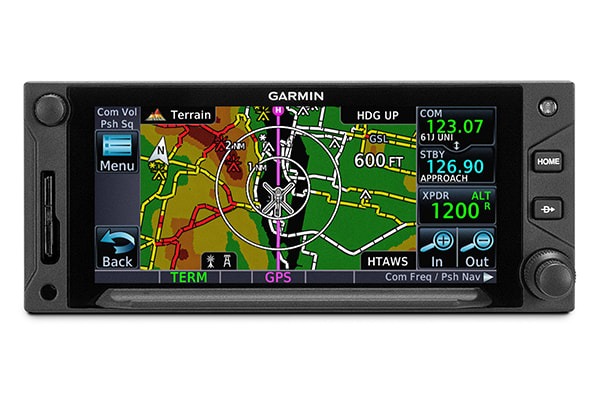
RADAR ALTIMETER AND HTAWS
Optional HTAWS provides GTN Xi with audible alerting and five-color map shading to highlight nearby terrain, obstacles and wires — with voice callouts on descent below 500’. When paired with a GRA™ 55 radar altimeter, GTN Xi can be used to track terrain clearance, displaying precise AGL altitude with HTAWS alerting down to 50’.
SPECIAL MISSION
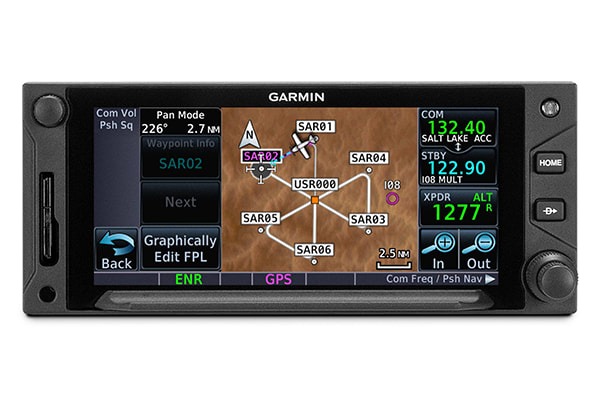
For aerial surveillance, common search pattern types — including orbit, parallel line, expanding square and sector search — can be loaded into your flight plan on the GTN Xi navigator (Optional Enablement). For demanding helicopter missions, optional GTN Xi versions are available with an NVG-compatible display and some 200,000 more low-altitude obstacles in the database.
MONITOR CO LEVELS
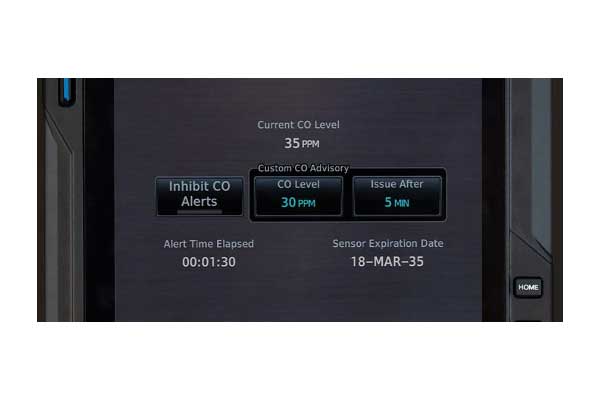
When interfaced with a Garmin GCO14 CO detector, you can easily view and track CO trends over time. Visual alerts flash a “CO Level” or “CO” text readout on the display. An aural alert, “Carbon Monoxide,” can also be triggered when the avionics are connected to an audio panel.
WEATHER RADAR
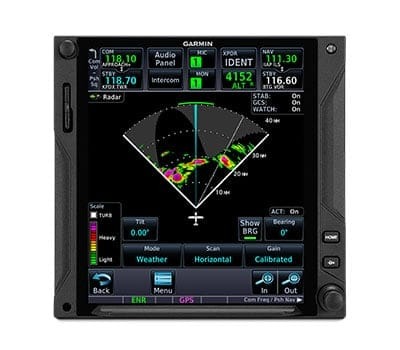
To scan your own storm cells, the large-format GTN 7xx Xi can double as a display for the Doppler-capable GWX™ 75 series digital weather radars — as well as select third-party radar systems (Enablement Required).
REMOTE AUDIO
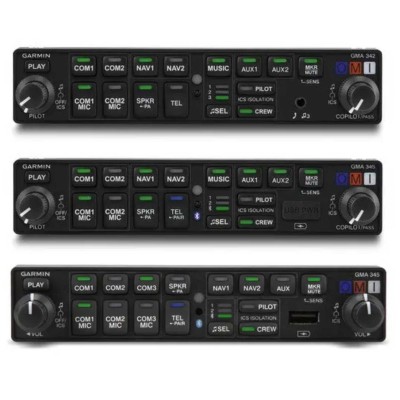
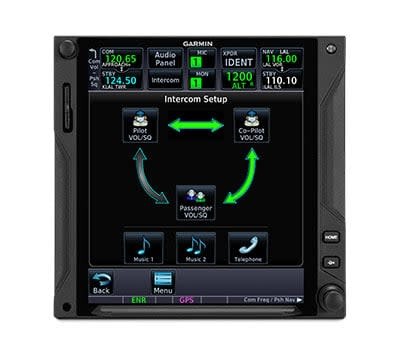
To streamline your avionics stack, GTN 7xx Xi can double as the control panel for your audio system when it’s paired with a GMA™ 35 remote audio unit (sold separately).